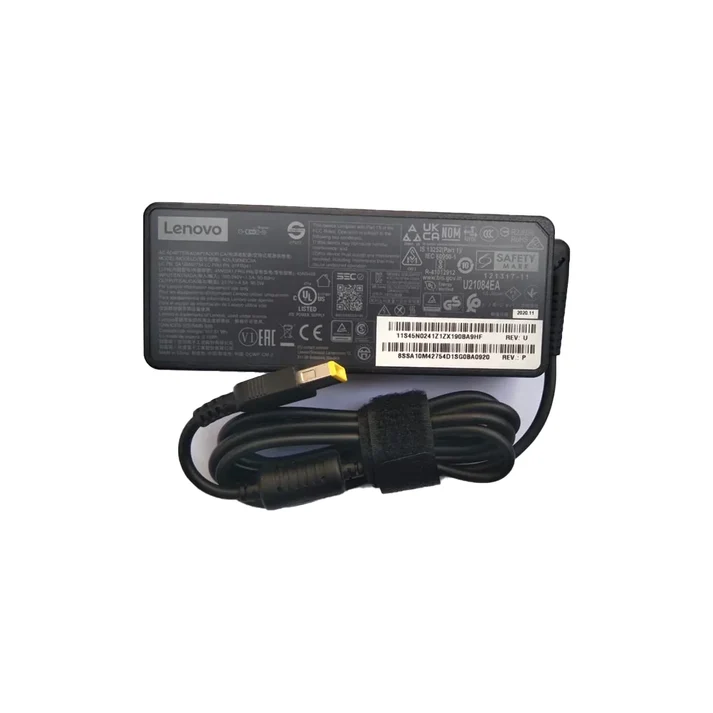
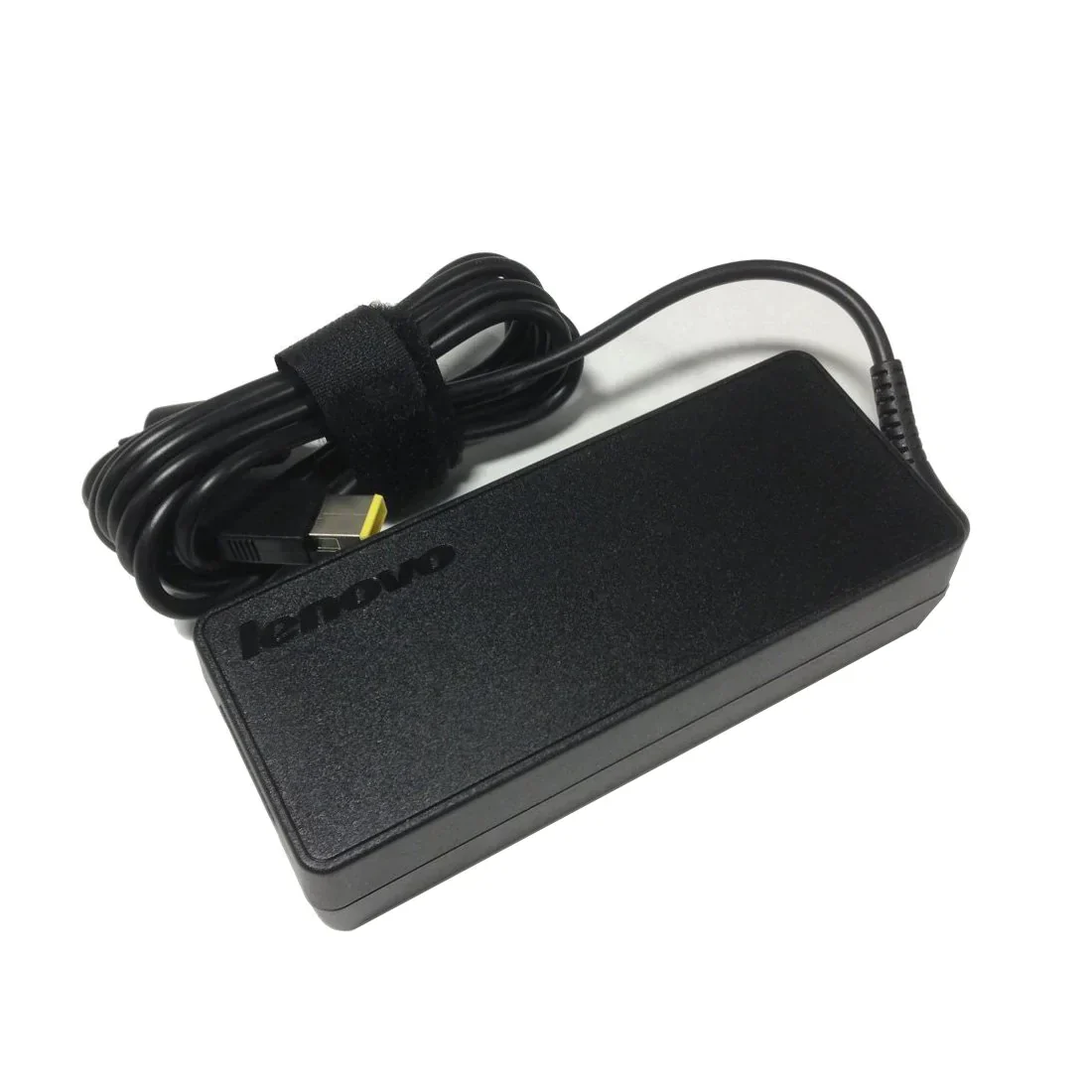
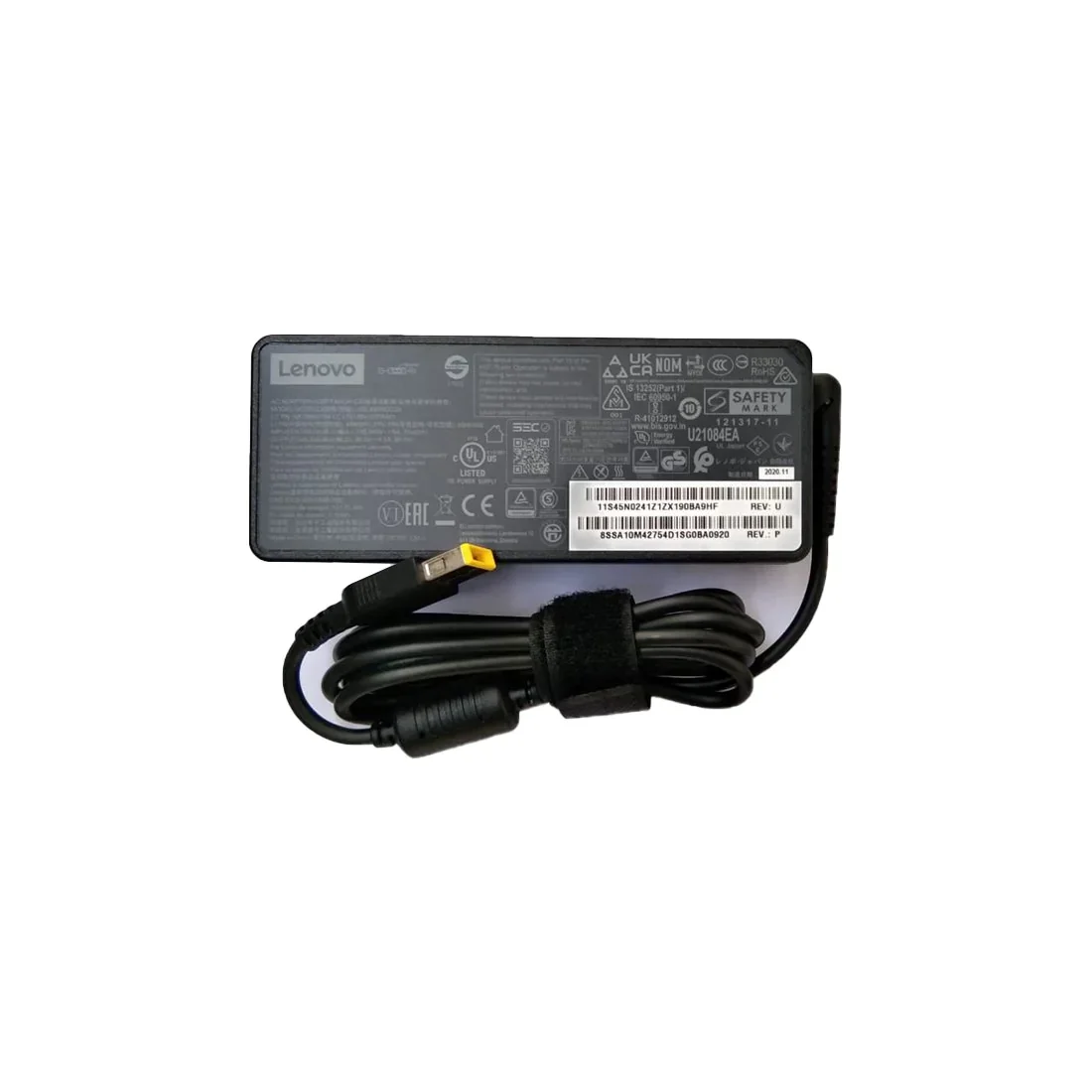
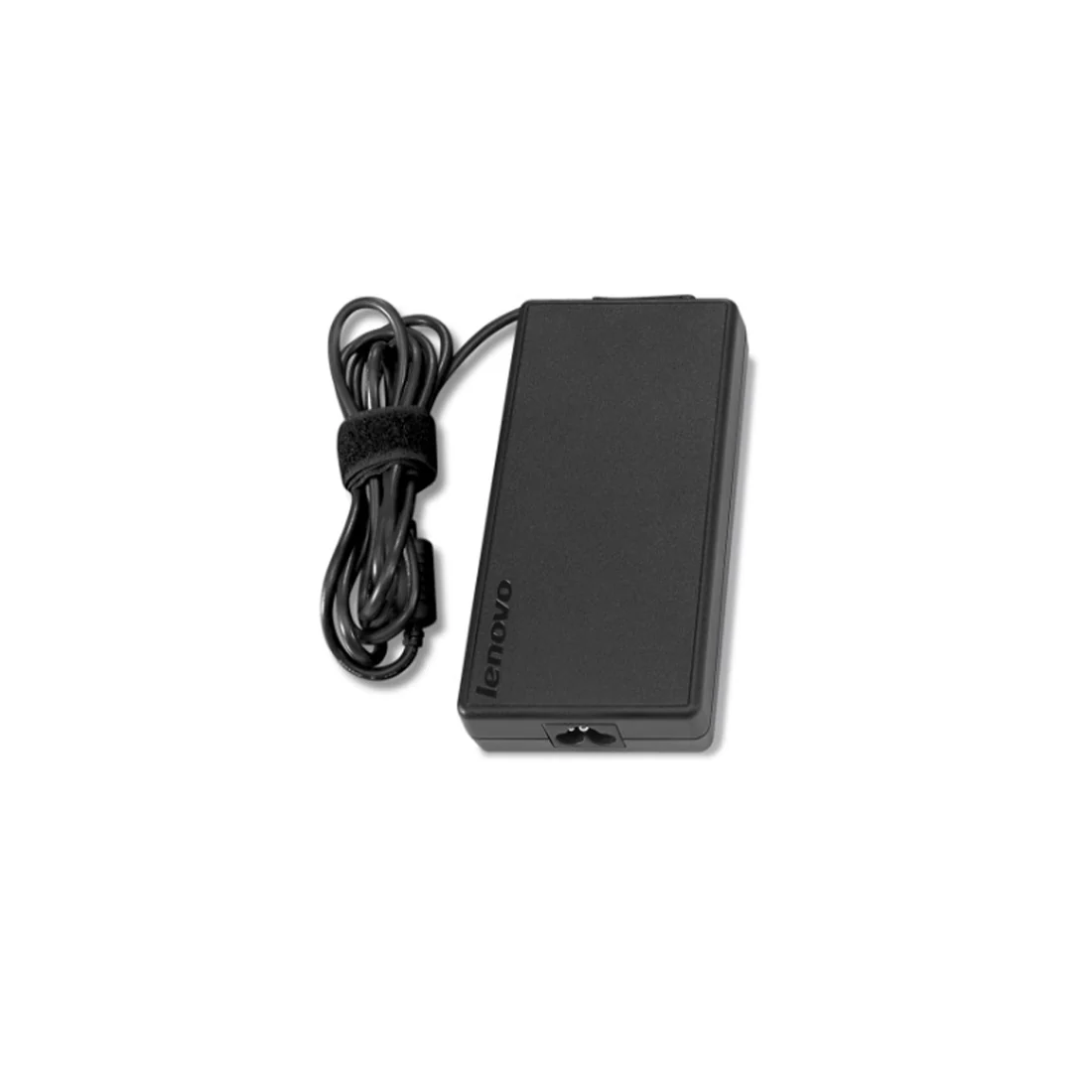
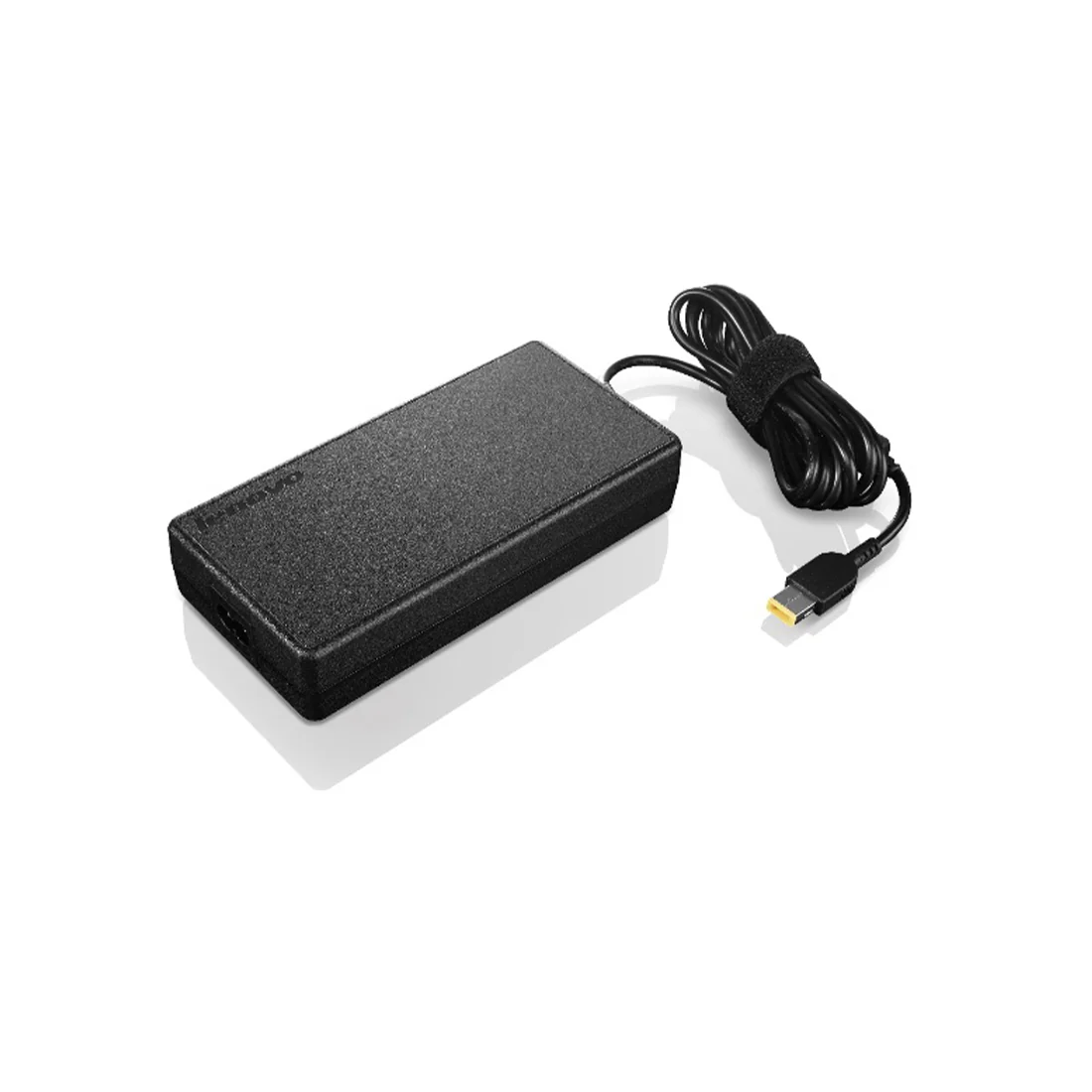
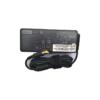
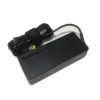
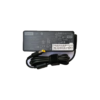
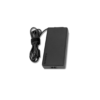
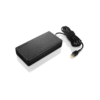
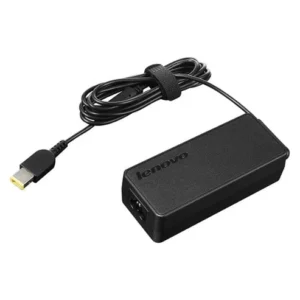
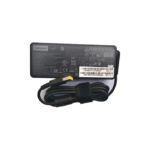
Lenovo Original 170W 20V Slim Tip Pin Laptop Adapter Charger with Power Cord
Original price was: ₹12,999.00.₹2,249.00Current price is: ₹2,249.00. Inc. GST
- Pan India Free Shipping
- Easy 7-Days Return Policy
- Original Brand Warranty
- 100% Genuine Product
Product Description
Product Description:
The Perfect Partner for Your Laptop on the Go
Always on the go? Stop lugging your adapter back and forth between home and office. Get a second adapter for your laptop or Tablet and keep one in the office and one for home or travel.
Genuine Lenovo brand parts undergo rigorous testing by qualified engineers to ensure compatibility and reliability in your system.Lenovo branded adapters 100 percent compatible with original manufacture’s device.
Limited one year warranty guarantees replacement if branded part should fail, it will be replaced.
Troubleshooting Adapter Issues
The adapter cable and power cables may get frayed or cut, and wires may become exposed at either end of the cables. This may be due to the way the cable is wrapped around the adapter, or if the cable is subject to undue stress. If the damage is severe enough to expose wires, you should discontinue using the adapter. To check the adapter, cables, and adapter port on the laptop for any damages:
- Unplug the adapter from the wall outlet.
- Unplug the adapter from the PC.
- Check the adapter and cables (including the power cable) for signs of physical damage or overheating.
- Check if the pin inside the plug or adapter port is bent, broken, or damaged.
- Unplug the adapter from the wall outlet.
- Connect another device on the wall outlet to verify if the wall outlet is working correctly.
- Try a known-good wall outlet.
- Plug the adapter directly to the wall outlet.
Bypass any power regulators like surge protectors, UPS (uninterruptible power supply), power splitters, etc.
- Unplug the adapter from the wall outlet.
- Disconnect any external peripherals that are connected to the PC.
- Remove the battery. Refer to the User Manual of the PC for instructions on how to remove the battery.
If the laptop PC has a non-removable battery, skip this step. - Press and hold the Power button for 30 seconds to drain a residual power from the PC.
- Connect the battery.
- Plug the adapter to the PC.
- Turn on the PC.
- Unplug the adapter from the wall outlet.
- Unplug the adapter from the PC.
- Disconnect the power cable from the adapter.
- Connect the power cable firmly to the adapter.
The BIOS is firmware that is embedded onto the System Board of your computer. Updating the BIOS to the latest version may help the PC recognize the adapter. Updating the BIOS to the latest version requires the laptop PC to be powered by the adapter and battery.
Technical Specifications
| Product Type | Laptop Adapter |
| Product Brand | Lenovo |
| Power Output | 20V @ 8.5A. |
| Power Capacity | 170W |
| Warranty | LENOVO Standard One-year Limited Warranty on Laptop Adapter |
| Compatible Part Numbers | GX20Z46290 4X20S56703 |
| Compatible Model Numbers | ThinkPad W540 ThinkPad W541 ThinkPad P50 ThinkPad P51 ThinkPad P52 ThinkPad P70 ThinkPad P71 Lenovo Legion Y530 Lenovo Legion Y720 |
| Package Contents | Lenovo 170W Laptop Adapter, Power Cable |
Reviews
There are no reviews yet.