
Additional information
| Product Version |
|---|
Original price was: ₹5,249.00.₹2,799.00Current price is: ₹2,799.00. Inc. GST
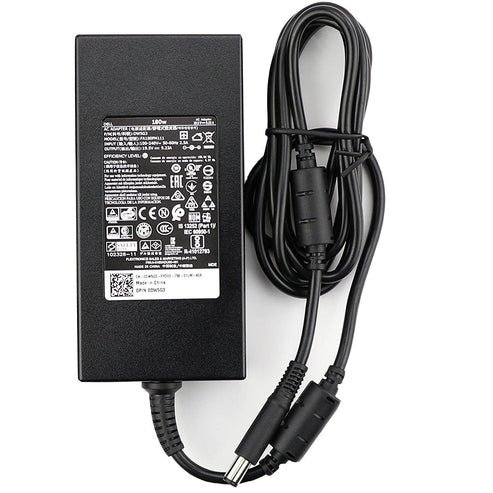
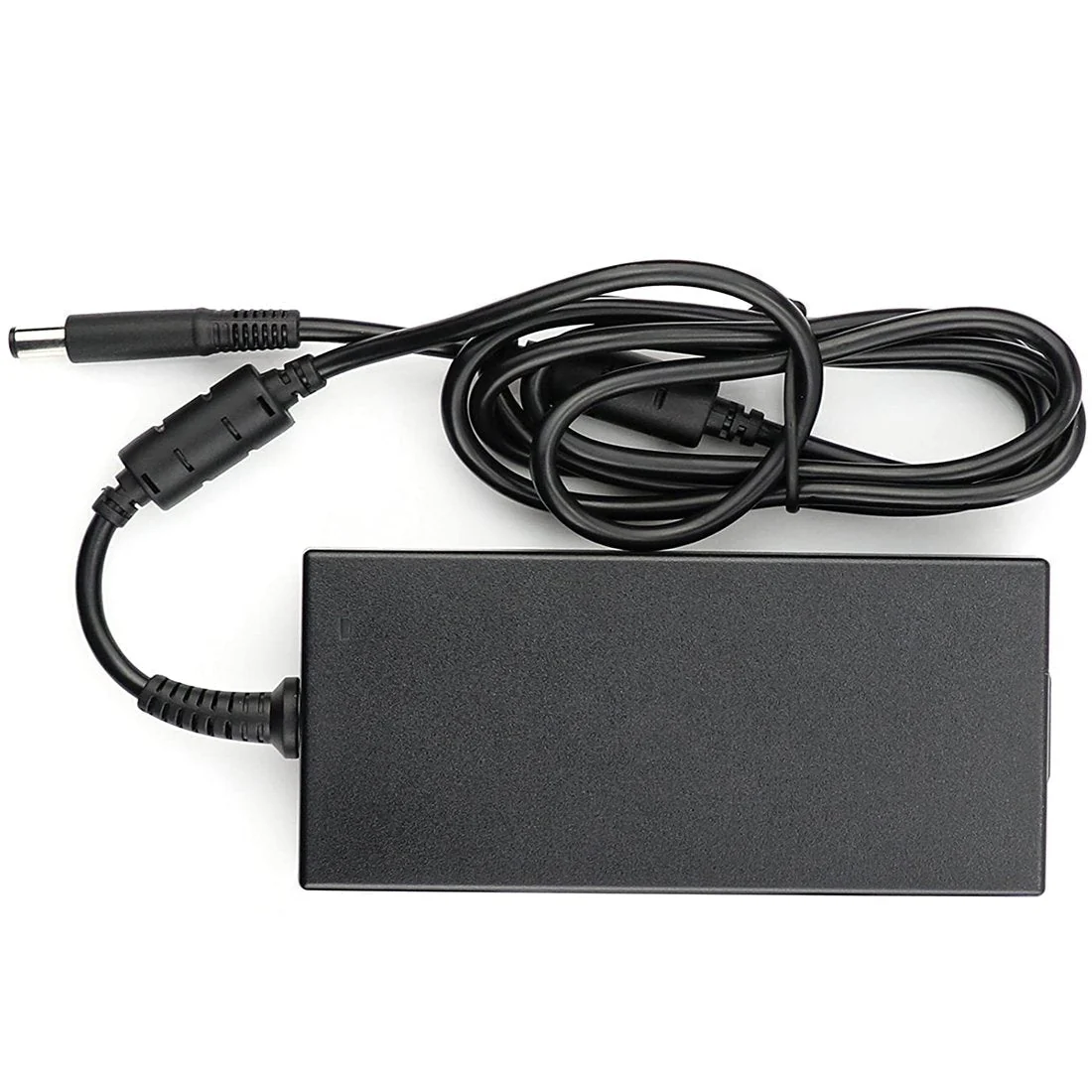
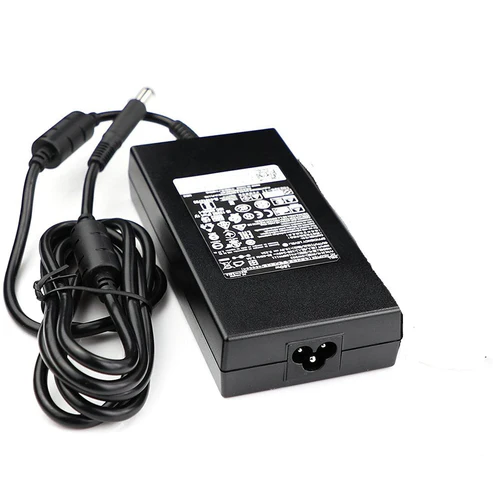
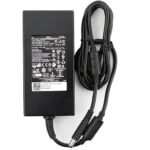
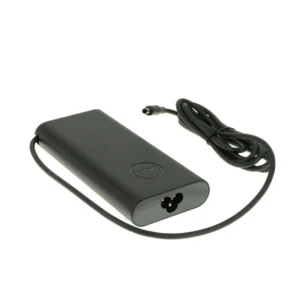
DELL 7.4mm pin laptop adapter comes with 180W output power and output current 9.23A. This 19.5V adapter is specially designed to meet the power needs of your Dell laptop or Tablet.
Always on the go? Stop lugging your AC adapter back and forth between home and office. Get a second AC adapter for your laptop or Tablet and keep one in the office and one for home or travel.
Genuine Dell-branded parts undergo rigorous testing by qualified engineers to ensure compatibility and reliability in your Dell system.Dell’s sustaining qualification process allows for testing and certification of the newest technology on your Dell system.
Genuine Dell-branded parts mean that you will not need to worry about voiding your system’s hardware warranty.
Non-Dell parts are not covered under warranty and may void your Dell laptop’s warranty.
Dell’s Limited One Year Warranty guarantees that if Genuine Dell-branded parts should fail, it will be replaced.
The adapter cable and power cables may get frayed or cut, and wires may become exposed at either end of the cables. This may be due to the way the cable is wrapped around the adapter, or if the cable is subject to undue stress. If the damage is severe enough to expose wires, you should discontinue using the adapter. To check the adapter, cables, and adapter port on the laptop for any damages:
Reset the adapter by following these steps:
Using an adapter that has a lower wattage may cause the following issues:
Dell laptop PCs may use either a 65W, 90W, 130W, 180W, or 240W adapter. For optimal performance, use the adapter that came with the Dell laptop PC. Adapter’s wattage information is printed on the label on the bottom of the adapter.
To verify if the PC is recognizing the adapter correctly:
Running a hardware diagnostic test can help you identify what the issue may be and provide you troubleshooting steps to help resolve the issue. Dell offers both built-in and online diagnostics. The Dell ePSA hardware diagnostic test checks if the adapter is recognized correctly.
To run the Dell ePSA built-in hardware diagnostics:
The BIOS is firmware that is embedded onto the System Board of your computer. Updating the BIOS to the latest version may help the PC recognize the adapter. Updating the BIOS to the latest version requires the laptop PC to be powered by the adapter and battery.
Technical Specifications
| Product Type | Laptop Adapter |
| Product Brand | Dell |
| Pin Size | 7.4mm |
| Power Output | 19.5V @ 9.23A |
| Power Capacity | 180 Watt |
| Power Cable Included | Yes, Branded BIS Certified Power Cable |
| Compatible Part Numbers | WW4XY 0WW4XY DA180PM111 FA180PM111 ADP-180MB B DW5G3 0DW5G3 74X5J 074X5J WW4XY TW1P0 F0G4K JVF3V 331-1469 331-7957 47RW6TXR1N 9NY2W |
| Compatible Model Numbers | Alienware 13 R3 Alienware 15 Alienware 15 R2 Alienware 15 R3 Alienware 15 R4 Alienware 17 R2 Alienware 17 R3 Alienware 17 R4 Alienware 17 R5 Alienware Alpha ASM-R2 Alienware Area 51M R2 Alienware Area-51M Alienware M15 Alienware M15 R2 Alienware M15 R3 Alienware M15 R5 Alienware M15 R6 Alienware M15 R7 Alienware M15 R7 AMD Alienware M17 Alienware M17 R2 Alienware M17 R3 Alienware M17 R5 G3 15 3500 G3 15 3579 G3 15 3590 G3 17 3779 G5 15 5510 G5 15 5511 G5 15 5520 G5 15 5521 G5 15 5525 G5 15 5587 G5 15 5590 G7 15 7588 G7 15 7590 G7 16 7620 G7 17 7790 Inspiron 15 7577 Inspiron 5475 AIO Inspiron 5477 AIO Inspiron 7775 AIO Inspiron 7777 AIO Latitude 3340 Launched in 2014 Latitude E5250 Latitude E5440 Latitude E5450 Latitude E5540 Latitude E5550 Latitude E5570 Latitude E6440 Latitude E6540 OptiPlex Micro OptiPlex XE Micro OptiPlex 7010 Micro Plus Launched in 2023 OptiPlex 7020 Micro Plus OptiPlex 7080 Micro OptiPlex 7080 XE Micro OptiPlex 7090 Micro OptiPlex 7410 All-in-One 35W OptiPlex 7420 All-in-One 35W Precision 7510 Precision 7520 Precision 7530 Precision 7540 Precision 7550 Precision 7560 Precision 7670 Precision 7680 Precision 7770 Precision 7780 Precision M4800 Precision Workstation 3240 Precision Workstation 3280 Compact Vostro 15 7570 |
| Warranty | 1 Year on Adapter by DELL |
| Package Contents | DELL Original 180W Laptop Adapter |
| Product Version |
|---|

Reviews
There are no reviews yet.